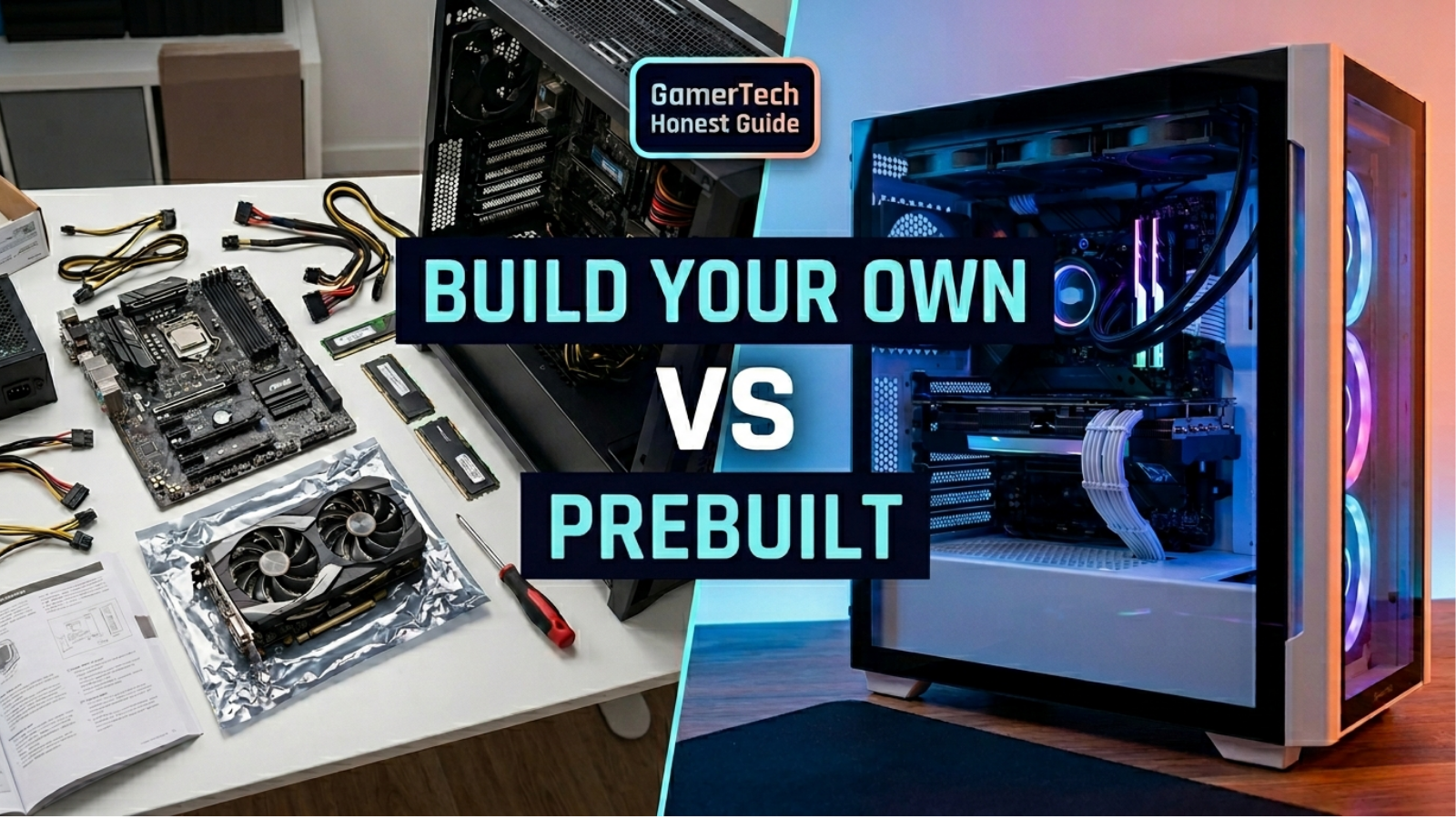
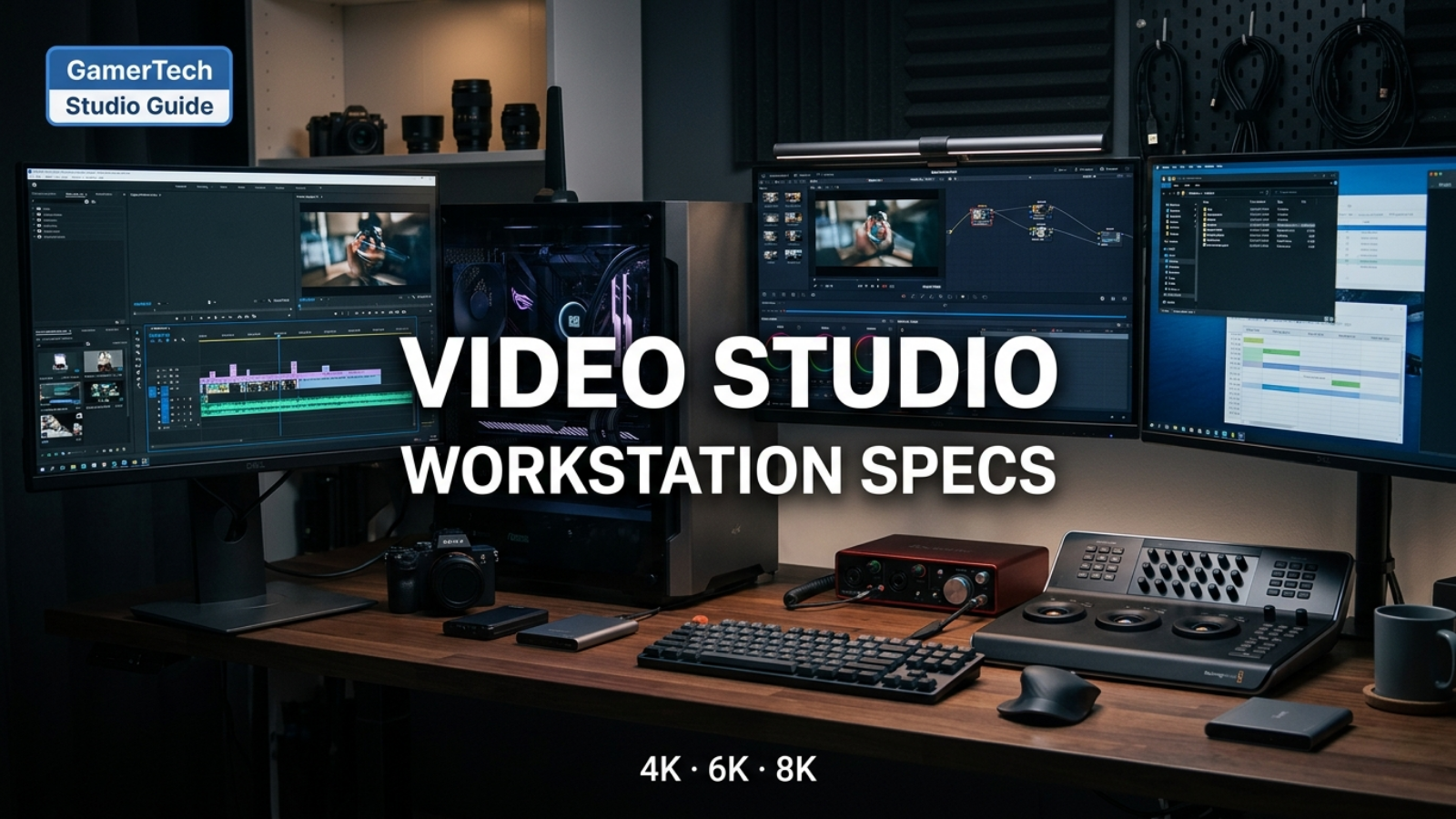
A practical GPU decision guide for choosing between NVIDIA GeForce RTX and NVIDIA RTX PRO in a workstation PC — covering drivers, certification, VRAM, software fit, and real-world tradeoffs.
If you are building or buying a workstation PC, choosing between NVIDIA GeForce RTX and NVIDIA RTX PRO can be confusing. Both are powerful GPUs. Both can accelerate creative software. Both can run AI tools. But they are designed for different buyers and different workflows, and choosing the wrong one is one of the most expensive mistakes a workstation buyer can make.
This guide explains how the two GPU families differ, when each one makes sense, and how to match your GPU choice to the software, project size, VRAM needs, certification requirements, and budget that actually apply to your work.
 GeForce RTX
Best for creators, editors, hybrid use
 Hybrid Gaming + Work
GeForce RTX usually wins on value
 NVIDIA RTX PRO
CAD, engineering, certified workflows
 Enterprise / High VRAM
RTX PRO for production AI & studios
Quick Answer
For most creators, video editors, streamers, 3D artists, AI hobbyists, and hybrid gaming/workstation users, GeForce RTX usually offers the best performance for the money. For professional CAD, engineering, simulation, certified software environments, very large VRAM workloads, enterprise use, or business-critical systems, NVIDIA RTX PRO is usually the better choice. The right answer depends on your software, project size, VRAM needs, certification requirements, and whether the system is also used for gaming.
GeForce RTX vs RTX PRO: At-a-Glance Comparison
| Category | GeForce RTX | NVIDIA RTX PRO |
|---|---|---|
| Main buyer | Gamers, creators, hybrid users | Professionals, studios, enterprise |
| Best for | Gaming, streaming, content creation, video editing, 3D, AI experimentation | CAD, engineering, simulation, certified software, very large VRAM workloads |
| Performance per dollar | Generally better for most consumer/creator workloads | Generally lower for the same raw performance, but adds professional features |
| VRAM | Strong on top-end models | Higher VRAM available on top-tier professional models |
| Drivers | Game Ready Drivers and Studio Drivers | NVIDIA Enterprise / professional drivers tuned for production stability |
| ISV certification | Limited; check with each software vendor | Broadly certified across major professional ISVs |
| Gaming | Designed for it | Possible, but not the best value |
| CAD / engineering support | May work; check vendor certification | Typically the recommended choice for production CAD/engineering |
| AI | Excellent for experimentation, Stable Diffusion, smaller models | Better for large models, datasets, and production AI |
| Best GamerTech fit | Hybrid gaming/workstation PCs, creator workstations | Engineering, architecture, AI, and enterprise workstations |
What Is GeForce RTX?
NVIDIA GeForce RTX is the consumer GPU lineup. NVIDIA positions GeForce RTX cards primarily for gaming, streaming, content creation, AI experimentation, rendering, and video editing.
For workstation buyers, GeForce RTX matters because:
- It usually offers the strongest performance per dollar for most workloads.
- It supports a wide range of professional creative software through NVIDIA Studio Drivers.
- It is the right starting point for hybrid gaming/workstation PCs.
- It works well for many users who do not need certified drivers or enterprise validation.
If you are looking for one PC that does both gaming and creator work — Premiere, Resolve, Blender, Unreal Engine, AI image generation — GeForce RTX is usually the best place to start. See our Best Workstation PC Canada and Gaming PC vs Workstation PC guide for context.
What Is NVIDIA RTX PRO?
NVIDIA RTX PRO is the professional workstation GPU lineup (the family that includes the Blackwell-generation RTX PRO 6000, RTX PRO 5000, and RTX PRO 4000 cards).
NVIDIA positions RTX PRO around:
- Professional driver stability and validated software workflows.
- ISV (independent software vendor) certification across major engineering, design, and content creation tools.
- Larger VRAM options on the higher-tier models, including ECC memory on supported cards.
- Enterprise-grade reliability, support, and long-term availability.
- Targeted use cases including CAD, engineering, simulation, scientific visualization, AI, and professional rendering.
RTX PRO is not "GeForce RTX with a different sticker." It is a different product line that reflects different software validation, driver support, VRAM options, and reliability expectations.
The Biggest Difference: Drivers and Certification

For many workstation buyers, the most important real difference between GeForce RTX and RTX PRO is not raw performance — it is drivers, validation, and certification.
Some professional software vendors test, validate, and certify specific GPUs and driver versions. When a problem occurs in a certified environment, the software vendor and the GPU vendor are more likely to support it. In environments where downtime or unstable behaviour can affect billable client work, production deadlines, or critical engineering output, certification matters.
Not every customer needs certified hardware. Many solo creators, video editors, 3D artists, and hybrid gaming/workstation users can work very well with a properly configured GeForce RTX GPU. However, professional offices running CAD, engineering, architecture, simulation, or enterprise software may be in a different position.
The right rule is simple: check the hardware and driver recommendations for the software you actually rely on, then choose the GPU around your workflow, project size, VRAM needs, support requirements, and how costly downtime would be for your work.
NVIDIA Studio Drivers vs Professional / Enterprise Drivers
GeForce RTX users have two main driver options:
- Game Ready Drivers — released frequently with day-one optimizations for new games.
- NVIDIA Studio Drivers — released on a more conservative schedule with a focus on stability and creator-application support.
NVIDIA describes Studio Drivers as a strong option for creators, artists, 3D developers, video editors, and other creator workflows on GeForce RTX cards. For most creators on a GeForce RTX system, switching to Studio Drivers is a practical, free upgrade.
RTX PRO uses the NVIDIA Enterprise / professional driver branch, which is validated for production use across professional ISVs. The release cadence prioritizes reliability and certification rather than gaming-day-one performance.
Neither is universally "better." Studio Drivers are excellent for most creator work. Enterprise drivers are appropriate when an environment requires validated stability or certified software support.
VRAM: One of the Biggest Reasons to Choose RTX PRO
VRAM is the memory on the graphics card. It matters because some workloads cannot run, or run much more slowly, when the project does not fit into GPU memory.
VRAM is critical for:
- Large 3D scenes (Blender Cycles, Cinema 4D, Octane, Redshift, V-Ray GPU).
- Local AI models, including larger Stable Diffusion variants, FLUX, and quantized LLMs.
- Heavy DaVinci Resolve grading and noise reduction at high resolutions.
- Large CAD assemblies and architectural visualization scenes.
- High-resolution textures and complex compositions.
The top-end GeForce RTX cards (RTX 5090) have substantial VRAM that handles most production scenes. The top-end RTX PRO cards (RTX PRO 6000 Blackwell Workstation Edition) have significantly more VRAM — designed for workloads that simply will not fit on a consumer GPU.
If your work routinely hits VRAM limits, the choice is less about "which GPU is faster" and more about "which GPU has enough memory to run the workload at all." See our AI buying guide and AI workstation page for tier-by-tier VRAM picks.
Is RTX PRO Always Faster Than GeForce RTX?
No.
This is one of the most common misconceptions. RTX PRO is not automatically faster than GeForce RTX in every workload. A high-end GeForce card (such as an RTX 5090) can outperform lower-tier professional cards in many creator and gaming-style benchmarks while costing significantly less.
RTX PRO is mainly about:
- Validated driver stability for production software.
- ISV certification for engineering and design tools.
- Higher VRAM ceilings on top-tier professional cards.
- Enterprise reliability and long-term support expectations.
- ECC memory on supported models for sensitive professional workflows.
If raw performance per dollar is the priority and your software does not require certification, GeForce RTX is usually the better choice. If your priority is reliability, certification, or VRAM scale that consumer cards cannot match, RTX PRO is usually the better choice.
Best GPU for Video Editing: GeForce RTX or RTX PRO?
For most video editors, GeForce RTX is the better value. Premiere Pro, After Effects, and DaVinci Resolve all support GeForce RTX cards, and Adobe lists GeForce GPUs in its officially supported and recommended hardware.
RTX PRO becomes more relevant when:
- The studio works on very large 6K/8K or RAW timelines that benefit from much more VRAM than consumer cards offer.
- The studio environment requires validated/enterprise drivers.
- The workflow combines heavy DaVinci Resolve color grading with simulation, AI tools, or production VFX.
- The business needs long-term hardware support contracts.
For deeper picks, see our Best PC for Video Editing guide, Best PC for Premiere Pro guide, and DaVinci Resolve guide.
Best GPU for 3D Rendering: GeForce RTX or RTX PRO?
Both can be excellent — the right choice depends on scene complexity and VRAM requirements.
GeForce RTX is strong value for 3D rendering when projects fit into the card's VRAM. The top GeForce models handle most production scenes in Blender Cycles, Octane, Redshift, V-Ray GPU, and Cinema 4D engines.
RTX PRO becomes the better choice when:
- Scenes are too large to fit in consumer VRAM.
- Studios run certified production environments.
- Projects use very large textures or complex geometry that demand much more GPU memory.
For workflow-specific picks, see our Best PC for 3D Rendering guide and Best PC for Blender guide.
Best GPU for CAD, Revit, SOLIDWORKS, and Engineering
This is the area where RTX PRO often makes the most sense.
For production engineering, architecture, and CAD environments, certification, support, and driver validation can matter more than raw frame rates. SOLIDWORKS publishes a certified card list, Autodesk maintains certified hardware information, and many engineering offices choose RTX PRO cards specifically for reliability in production accounts.
That said:
- GeForce RTX may still work for some users — solo architects, students, hobbyists, or small studios working with smaller models.
- For larger BIM models, complex SOLIDWORKS assemblies, or production engineering offices, certified RTX PRO hardware is generally the safer choice.
For app-by-app recommendations, see our Best PC for Revit guide, Best PC for AutoCAD guide, and Best PC for SOLIDWORKS guide.
Best GPU for AI Workstations

AI is one of the workloads where the GPU choice depends most directly on the size of the model or dataset.
GeForce RTX is excellent for:
- Stable Diffusion, FLUX, and other AI image generation.
- Local LLM experimentation up to model sizes that fit in consumer VRAM.
- Smaller fine-tuning runs.
- Most creator-tier AI workflows.
RTX PRO is the better choice when:
- The model or dataset exceeds the VRAM of consumer cards.
- The environment benefits from ECC memory for long training runs.
- The workstation is part of a production AI pipeline that needs enterprise driver support.
- Multiple GPUs are deployed in a single workstation for parallel inference or training.
For workload-specific picks, see our Best PC for AI and Machine Learning guide and Best AI Workstation Canada page.
Can RTX PRO Be Used for Gaming?
Yes, but it is usually not the best gaming value. NVIDIA positions RTX PRO around professional and enterprise workloads, not consumer gaming. RTX PRO cards can run modern games, but a similarly-priced GeForce RTX card almost always delivers better gaming performance per dollar.
If gaming is a serious part of how you use the system, GeForce RTX is the better choice.
Can GeForce RTX Be Used in a Workstation PC?
Yes. Many workstation PCs use GeForce RTX GPUs, especially hybrid gaming/workstation systems and creator-focused builds. The key is matching the GPU to the software and workload.
GeForce RTX in a workstation works well when:
- The software supports GeForce GPUs (most creative apps do).
- The workload fits comfortably in the card's VRAM.
- The user does not require ISV certification or enterprise driver validation.
- Performance per dollar matters more than enterprise support contracts.
When You Should Choose GeForce RTX
- Gaming and high-FPS competitive play.
- Streaming and content creation.
- YouTube production and social-media video work.
- Adobe Premiere Pro for creators and small studios.
- Adobe After Effects and motion graphics.
- DaVinci Resolve for most editors and colorists below studio scale.
- Blender modeling, animation, and most GPU rendering scenes.
- Unreal Engine indie and mid-team development.
- Stable Diffusion and AI image generation.
- Local AI experimentation and learning.
- 3D rendering where projects fit comfortably in VRAM.
- Hybrid gaming/workstation builds.
- Buyers who prioritize performance per dollar.
When You Should Choose RTX PRO
- SOLIDWORKS production environments.
- AutoCAD and Revit at firm/enterprise scale.
- Autodesk Fusion and engineering software.
- Scientific and technical visualization.
- Simulation workflows.
- Very large 3D scenes that exceed consumer GPU VRAM.
- Large CAD assemblies and BIM models.
- Enterprise workstations with long-term support contracts.
- AI workloads needing very large VRAM or ECC memory.
- Studios where validated/certified drivers are required.
- Any environment where reliability and support are business-critical.
Workload-by-Workload Recommendation Table
| Workload | Better Choice | Why |
|---|---|---|
| High-end gaming | GeForce RTX | Designed for gaming; better performance per dollar |
| Streaming | GeForce RTX | NVENC encoding + gaming workload fit |
| Adobe Premiere Pro | GeForce RTX (most users) | Strong support and value; RTX PRO for very large or studio workflows |
| After Effects | GeForce RTX (most users) | RAM and CPU often matter more than GPU tier; RTX PRO for studio scale |
| DaVinci Resolve | GeForce RTX (most users) | Top GeForce cards perform strongly; RTX PRO for very large VRAM or studio finishing |
| Blender | GeForce RTX (most users) | Strong value if scenes fit in VRAM; RTX PRO for very large scenes |
| Unreal Engine | GeForce RTX (most users) | Strong value for indie/mid-team; RTX PRO for virtual production / studio |
| SOLIDWORKS | RTX PRO (for production) | Certified hardware list; production reliability matters |
| AutoCAD / Revit | RTX PRO (firm scale) or GeForce (solo) | Certified hardware preferred for firms; GeForce can work for solo / small projects |
| AI experimentation | GeForce RTX | Excellent value for SD, FLUX, and small/mid LLMs |
| Large AI models / datasets | RTX PRO | Higher VRAM ceiling, ECC on supported models, enterprise drivers |
| Enterprise workstation | RTX PRO | Long-term support, certified workflows, validated drivers |
Common Mistakes Buyers Make
- Assuming RTX PRO is always faster. It is not. A high-end GeForce RTX often outperforms a lower-tier RTX PRO in many creator and gaming workloads.
- Buying GeForce for certified CAD without checking support. If your software lists certified hardware, follow the list.
- Overspending on RTX PRO for basic editing. A YouTube editor doing 4K Premiere work usually does not need RTX PRO.
- Ignoring VRAM. Faster cards with too little VRAM can still fail or stall on large scenes, AI models, or 6K/8K timelines.
- Choosing the GPU before choosing the software. The right GPU depends on what you actually run every day.
- Assuming gaming benchmarks equal workstation performance. Gaming FPS doesn't measure shader compile times, viewport stability, codec acceleration, or ISV certification.
GamerTech Recommendation
For most gamers, creators, streamers, editors, and hybrid users, GamerTech would usually recommend a strong GeForce RTX GPU. It delivers excellent performance, strong creative acceleration through NVIDIA Studio Drivers, and better value than the equivalent professional card.
For professional CAD, engineering, enterprise workstations, very large VRAM workloads, and certified professional software, GamerTech would recommend NVIDIA RTX PRO. It delivers validated drivers, ISV certification, larger VRAM ceilings on top-tier models, and the long-term support that production environments need.
The final choice should be based on:
- The software you use every day.
- Your typical project size and complexity.
- Your VRAM requirements.
- Your driver and certification needs.
- Whether the system is also used for gaming.
- Your budget.
- Whether the workstation is business-critical.
- Your future upgrade plans.
For RAM and broader workstation guidance, see our How Much RAM Do You Need for a Workstation PC? guide and our Best Workstation PC Canada hub.
Final Answer
Choose GeForce RTX if you want the best performance for the money and a system that can handle gaming plus creative work.
Choose NVIDIA RTX PRO if your work depends on certified professional software, very large VRAM, or enterprise-level reliability.
For everyone in between — and that's a lot of GamerTech customers — the right answer is to start from the software you use every day, the size of the projects you actually run, and whether you also want to game. The GPU follows from those answers.
Related Buying Guides
FAQ
Is RTX PRO better than GeForce RTX?
Not automatically. RTX PRO is designed for professional workflows where validated drivers, certification, larger VRAM, and enterprise reliability matter. A high-end GeForce RTX card can deliver excellent performance for creators, editors, 3D artists, AI hobbyists, and hybrid gaming/workstation users — often at better value. The right answer depends on the software, project size, VRAM requirements, certification needs, and whether the system is also used for gaming.
Can GeForce RTX be used for professional work?
Yes. Many professional creators, editors, 3D artists, and AI users work on GeForce RTX cards every day, especially in Adobe Premiere Pro, After Effects, DaVinci Resolve, Blender, and Unreal Engine. NVIDIA also provides Studio Drivers tuned for creator workflows. The main exception is software that specifically requires or recommends certified hardware, where RTX PRO can be a safer choice.
Do I need RTX PRO for SOLIDWORKS?
It depends on your environment. SOLIDWORKS publishes a list of tested and certified graphics cards and drivers, and many production engineering offices choose certified RTX PRO cards for support and reliability reasons. GeForce RTX may still work for some users, but professional SOLIDWORKS environments — especially with large assemblies or simulation — typically benefit from certified hardware.
Is RTX PRO good for gaming?
RTX PRO cards can run games, but they are not optimized for gaming value. NVIDIA positions RTX PRO for professional and enterprise workloads. For gaming or hybrid gaming/workstation use, a high-end GeForce RTX card usually offers better performance per dollar.
Is GeForce RTX good for video editing?
Yes. GeForce RTX is widely used for Adobe Premiere Pro, After Effects, and DaVinci Resolve. Adobe lists GeForce GPUs in its supported and recommended hardware. RTX PRO becomes more relevant for very large VRAM workflows, certified production environments, or studios that prioritize enterprise driver validation.
Is RTX PRO worth it for AI?
It can be, depending on the workload. For local AI experimentation, Stable Diffusion, smaller LLMs, and creator-tier AI work, GeForce RTX is often excellent value. For larger models, datasets that need much more VRAM, ECC memory, or production AI environments, RTX PRO models with very high VRAM can be the better choice.
Which GPU should I choose for a hybrid gaming/workstation PC?
For most hybrid gaming/workstation PCs, GeForce RTX is the better choice. It offers strong gaming performance, full creator software support through NVIDIA Studio Drivers, and a better performance-per-dollar profile than RTX PRO. Choose RTX PRO only when your professional software or workflow specifically requires it.
Build the Right Workstation Around the Right GPU
Every GamerTech workstation comes with a 1-year warranty, lifetime technical support, and free shipping across Canada. We help you choose between GeForce RTX and RTX PRO based on your actual software — not just the highest spec sheet.
Call (905) 247-7085 · 10-470 North Rivermede Road, Vaughan, Ontario