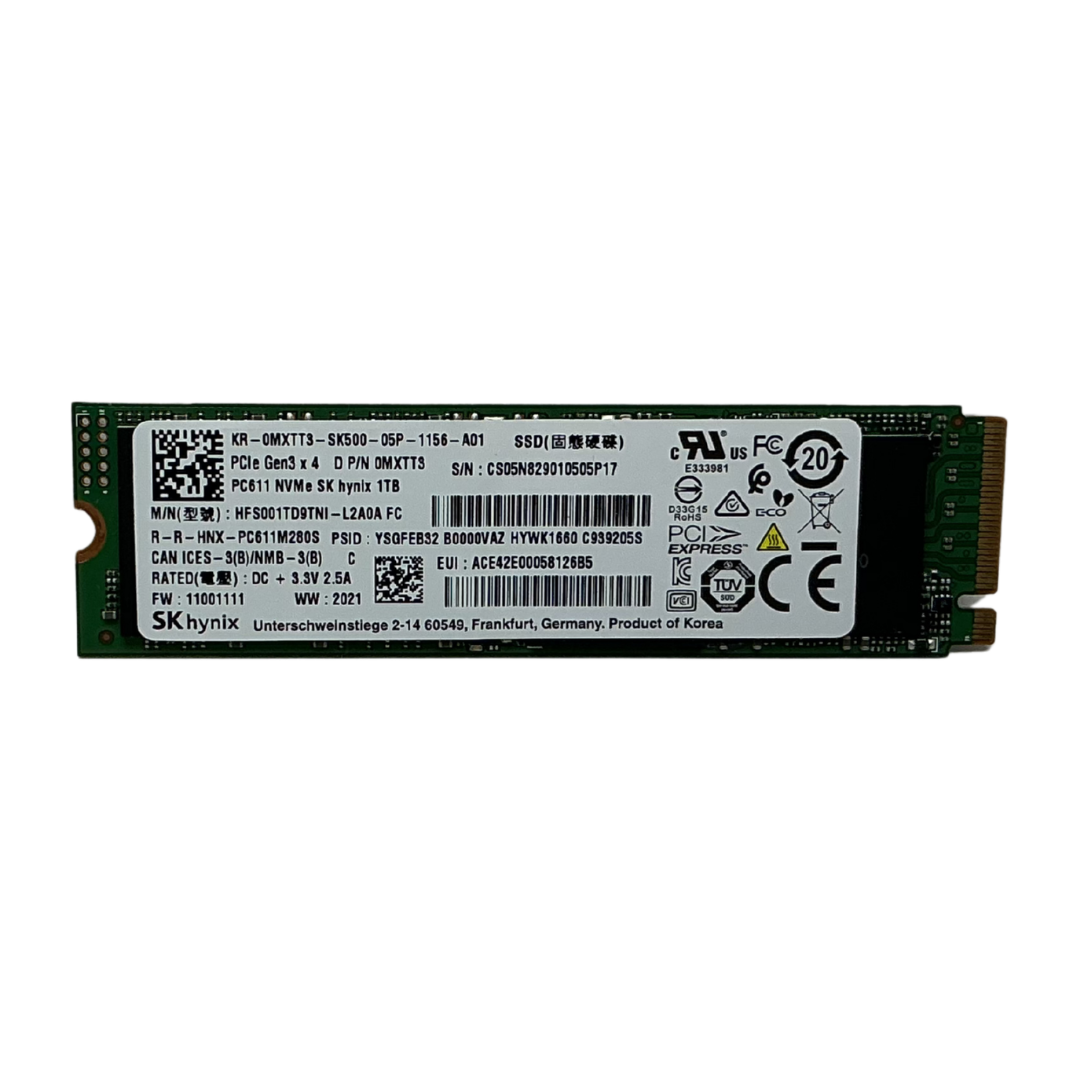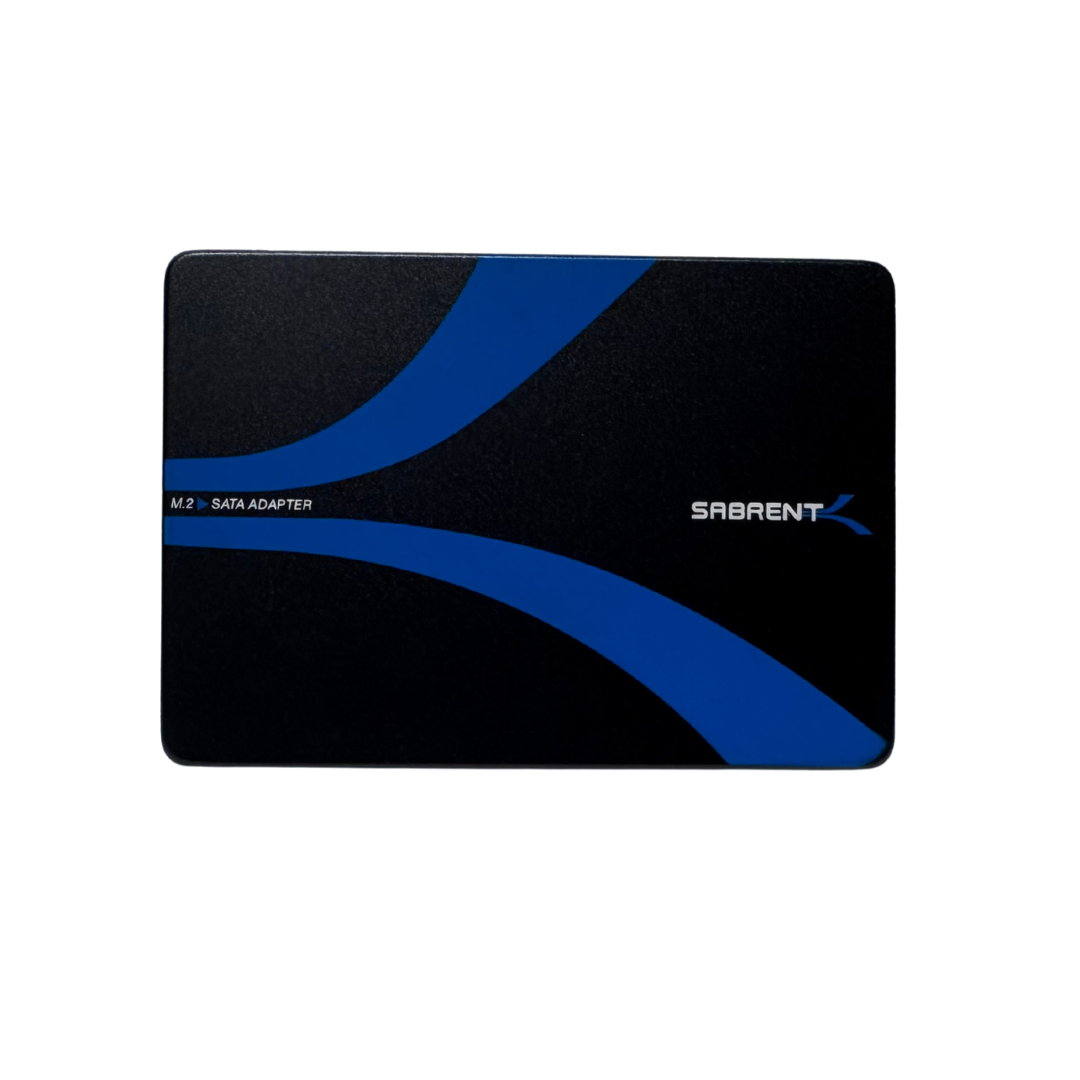

If you're still booting from a hard drive, this $45 SATA SSD is the single highest-impact, lowest-cost upgrade available — even in a year when SSD prices are elevated across the board.
🎯 Best Use Cases
- Replacing a hard drive as a boot/OS drive for a dramatic speed improvement.
- Reviving an old laptop or budget desktop that feels slow due to HDD bottlenecks.
- A basic secondary drive for programs that don't need large capacity.
- Budget builds where every dollar counts but a spinning HDD boot drive isn't acceptable.
- A simple, low-risk first SSD for someone who has never used one before.
💰 Why This Is a Good Deal
Even with SSD prices elevated 70-115%+ across the board in 2026 due to the NAND shortage, a small-capacity SATA SSD remains the cheapest entry point into solid-state storage. At $45 CAD, tested and working, this Kingston A400 240GB drive delivers the single biggest "feel" upgrade available for the price — going from HDD to SSD transforms boot times and system responsiveness far more than most CPU or GPU upgrades at this budget.
Kingston is a well-established, reliable SSD brand, so you're not gambling on an unknown name for your boot drive.
⚖️ How It Compares
| Part | Price | Notes |
|---|---|---|
| Kingston A400 240GB 2.5" SATA III SSD — Used, Working | $45.00 | Cheapest way into an SSD-based boot drive. |
| Sabrent EC-M2SA Enclosure + 2TB M.2 SATA SSD | $230.00 | Same SATA interface speed, vastly more capacity. |
| Crucial P5 Plus 1TB NVMe (PCIe Gen4) | $175.00 | Much faster NVMe interface and more capacity, higher price. |
Kingston A400 240GB 2.5" SATA III SSD — Used, Working
In stock now — $45.00 CAD, ships within Canada.
🛒 View & Buy This Part Ask a Technician❓ Frequently Asked Questions
Is 240GB enough for a boot drive?
Yes, for an OS plus core applications. If you install many large games, you'll want to pair it with additional storage — but for OS responsiveness alone, 240GB is plenty.
How much faster is this than a hard drive?
SATA SSDs typically boot and load applications several times faster than a traditional 5400/7200 RPM hard drive, largely eliminating the "spinning wait" feeling of an older PC.
Does this SSD require any special drivers?
No, it works as a standard SATA drive with any modern operating system's built-in drivers.