Ryzen 9 9950X
Best all-around workstation
 Ryzen 9 9950X3D
Gaming + creator hybrid
 Threadripper 9000
Serious workstation class
 Threadripper PRO 9000 WX
Enterprise / pro workstation
Quick Answer
Choose Ryzen 9 if you want a powerful workstation that is also affordable, fast, efficient, and great for gaming, editing, design, coding, and general creative work. Choose Threadripper 9000 if your work benefits from more CPU cores, more PCIe lanes, more memory bandwidth, ECC RDIMM support, multiple GPUs, multiple NVMe drives, heavy rendering, simulation, compiling, or advanced AI development. For most customers, Ryzen 9 is the smarter choice. For serious professionals, Threadripper is the real workstation platform.
Ryzen 9 vs Threadripper 9000: The Simple Difference
AMD's Ryzen 9 CPUs are high-end desktop processors. They are powerful, fast, efficient, and great for hybrid systems that do a bit of everything: gaming, editing, streaming, design work, coding, and productivity.
AMD's Threadripper 9000 Series CPUs are workstation-class processors. They are built for users who need more CPU cores, more memory bandwidth, more PCIe lanes, ECC RDIMM memory, and more expansion than a normal desktop platform can offer.
AMD lists the Ryzen 9 9950X as a 16-core, 32-thread AM5 CPU with up to 5.7GHz boost, 64MB L3 cache, 170W TDP, and dual-channel DDR5 support. By comparison, the Threadripper 9980X is a 64-core, 128-thread sTR5 CPU with up to 5.4GHz boost, 256MB L3 cache, 350W TDP, quad-channel DDR5 RDIMM support, and far more PCIe connectivity.
That is the real difference: Ryzen 9 is a high-end desktop CPU. Threadripper is a workstation platform.
Quick Comparison
| Category | Ryzen 9 | Threadripper 9000 | Threadripper PRO 9000 WX |
|---|---|---|---|
| Best For | Gaming + creation + everyday workstation use | Heavy workstation workloads | Enterprise/professional workstations |
| Max Cores | 16 cores | 64 cores | 96 cores |
| Max Threads | 32 threads | 128 threads | 192 threads |
| Platform | AM5 | sTR5 / TRX50 | sTR5 / WRX90 or TRX50 |
| Memory | Dual-channel DDR5 UDIMM | Quad-channel DDR5 RDIMM | 8-channel DDR5 RDIMM |
| Max Memory | Up to 256GB | Up to 1TB on TRX50 | Up to 2TB on WRX90 |
| PCIe Lanes | 28 total / 24 usable | 92 total / 88 usable | 148 total / 144 usable |
| TDP | 170W–200W | 350W | 350W |
| Best Value | Yes | Only if workload needs it | Only for serious professional use |
AMD's platform comparison lists WRX90 with 8-channel memory up to 2TB and 148 total / 144 usable PCIe lanes, while TRX50 supports 4-channel memory up to 1TB and 92 total / 88 usable PCIe lanes.
Current Ryzen 9 Workstation Options
Ryzen 9 9950X
The Ryzen 9 9950X is the standard high-end Ryzen 9 option.
| Spec | Ryzen 9 9950X |
|---|---|
| Cores / Threads | 16 / 32 |
| Max Boost | Up to 5.7GHz |
| Base Clock | 4.3GHz |
| L3 Cache | 64MB |
| TDP | 170W |
| Socket | AM5 |
| Memory | Dual-channel DDR5 |
| Max Memory | 256GB |
| PCIe Lanes | 28 total / 24 usable |
AMD's official specs list the Ryzen 9 9950X with 16 cores, 32 threads, up to 5.7GHz boost, 64MB L3 cache, 170W TDP, AM5 socket support, PCIe 5.0, dual-channel DDR5, and up to 256GB memory.
This is a great CPU for video editing, Photoshop, Lightroom, coding, gaming, streaming, CAD/light 3D work, small business workstations, and general productivity.
Ryzen 9 9950X3D
The Ryzen 9 9950X3D is better if you want a system that is excellent for both gaming and creation.
| Spec | Ryzen 9 9950X3D |
|---|---|
| Cores / Threads | 16 / 32 |
| Max Boost | Up to 5.7GHz |
| L3 Cache | 128MB |
| TDP | 170W |
| Socket | AM5 |
| Memory | Dual-channel DDR5 |
| Max Memory | 256GB |
AMD describes the 9950X3D as a 16-core desktop CPU with 2nd Gen 3D V-Cache for demanding gamers and creators. It has 16 cores, 32 threads, up to 5.7GHz boost, 128MB L3 cache, and a 170W TDP.
This is ideal for gaming + editing, gaming + streaming, game development, Unreal Engine users, creators who also want top-tier gaming, and premium hybrid systems.
Ryzen 9 9950X3D2

The Ryzen 9 9950X3D2 Dual Edition is AMD's newer premium Ryzen 9 option. It is still a 16-core CPU, but it has much more cache than the 9950X and 9950X3D.
| Spec | Ryzen 9 9950X3D2 |
|---|---|
| Cores / Threads | 16 / 32 |
| Max Boost | Up to 5.6GHz |
| L3 Cache | 192MB |
| TDP | 200W |
| Socket | AM5 |
| Memory | Dual-channel DDR5 |
| Max Memory | 256GB |
AMD lists the 9950X3D2 with 16 cores, 32 threads, up to 5.6GHz boost, 192MB L3 cache, 200W TDP, AM5 support, PCIe 5.0, and dual-channel DDR5. AMD positions it as a dual 3D V-Cache desktop processor for developers and creators.
This is best for premium creator builds, developer workstations, heavy multitasking, gaming + professional use, and users who want the strongest AM5 workstation-style CPU. See our 9950X3D2 vs 9950X3D vs 9800X3D guide.
Current Threadripper 9000 Options
Threadripper 9000 is where AMD moves from high-end desktop into serious workstation territory.
Threadripper 9960X
| Spec | Threadripper 9960X |
|---|---|
| Cores / Threads | 24 / 48 |
| Max Boost | Up to 5.4GHz |
| Base Clock | 4.2GHz |
| L3 Cache | 128MB |
| TDP | 350W |
| Socket / Chipset | sTR5 / TRX50 |
| Memory | Quad-channel DDR5 RDIMM |
| PCIe Lanes | 92 total / 88 usable |
AMD lists the 9960X as a 24-core, 48-thread Zen 5 Threadripper 9000 CPU with up to 5.4GHz boost, 128MB L3 cache, 350W TDP, TRX50 support, quad-channel DDR5 RDIMM, ECC enabled by default, and 92 total / 88 usable PCIe lanes.
Threadripper 9970X
| Spec | Threadripper 9970X |
|---|---|
| Cores / Threads | 32 / 64 |
| Max Boost | Up to 5.4GHz |
| Base Clock | 4.0GHz |
| L3 Cache | 128MB |
| TDP | 350W |
| Memory | Quad-channel DDR5 RDIMM |
| PCIe Lanes | 92 total / 88 usable |
AMD lists the 9970X as a 32-core, 64-thread Zen 5 CPU with up to 5.4GHz boost, 128MB L3 cache, 350W TDP, TRX50 support, quad-channel DDR5 RDIMM, and 92 total / 88 usable PCIe lanes.
Threadripper 9980X
| Spec | Threadripper 9980X |
|---|---|
| Cores / Threads | 64 / 128 |
| Max Boost | Up to 5.4GHz |
| Base Clock | 3.2GHz |
| L3 Cache | 256MB |
| TDP | 350W |
| Memory | Quad-channel DDR5 RDIMM |
| PCIe Lanes | 92 total / 88 usable |
AMD lists the 9980X as a 64-core, 128-thread Zen 5 CPU with up to 5.4GHz boost, 256MB L3 cache, 350W TDP, TRX50 support, quad-channel DDR5 RDIMM, ECC support, and 92 total / 88 usable PCIe lanes.
What About Threadripper PRO 9000 WX?
Threadripper PRO is the next level above standard Threadripper.
The biggest reason to choose Threadripper PRO 9000 WX is not only core count. It is the WRX90 platform: 8-channel memory, more PCIe lanes, enterprise features, AMD PRO technologies, manageability, security, and much higher memory capacity.
The flagship Threadripper PRO 9995WX has 96 cores, 192 threads, up to 5.4GHz boost, 384MB L3 cache, 350W TDP, 8-channel DDR5 RDIMM, ECC enabled by default, and 148 total / 144 usable PCIe lanes.
Threadripper PRO is best for enterprise workstations, multi-GPU AI systems, heavy simulation, scientific computing, large engineering datasets, VFX studios, professional rendering farms, and users needing 512GB–2TB memory capacity or more PCIe lanes than TRX50 offers.
For most GamerTech customers, standard Threadripper 9000 is already more than enough. Threadripper PRO is for serious professional or business environments.
Workload Guide: Ryzen 9 or Threadripper?
1. Gaming
Choose Ryzen 9.
Threadripper is not the best gaming platform. It can game, but high-core workstation CPUs are not the best value for gaming. For gaming and content creation together, Ryzen 9 9950X3D or 9950X3D2 makes more sense.
Gamers Nexus found that high-core Threadripper CPUs can perform worse than mainstream desktop CPUs in some games because games usually benefit more from frequency, latency, and cache behavior than huge core counts.
GamerTech recommendation: For gaming + work, choose Ryzen 9 9950X3D or Ryzen 9 9950X3D2.
2. Video Editing
Choose Ryzen 9 for most editors. Choose Threadripper for heavy RAW workflows.
For most Premiere Pro, DaVinci Resolve, YouTube editing, and business content creation, Ryzen 9 is usually enough. But if the customer works with heavy RAW codecs, high-resolution footage, large timelines, and professional post-production workflows, Threadripper starts to make sense.
Puget Systems found that in heavy RAW media workflows, the Threadripper 9970X had an 11% performance advantage over Intel Core Ultra 9 285K and a 23% advantage over Ryzen 9 9950X3D.
GamerTech recommendation: For normal editing, choose Ryzen 9. For professional RAW workflows, choose Threadripper 9970X.
3. 3D Rendering
Choose Threadripper.
3D rendering is one of the clearest reasons to buy Threadripper. CPU renderers like Blender Cycles, V-Ray CPU, Corona, and similar workloads can scale heavily with more cores.
Puget Systems found the Threadripper 9980X was the fastest CPU in its Blender Cycles test and was 15% faster than the previous 7980X, while in V-Ray CPU testing the 9980X beat the 7980X by 23% and the 9970X by 70%.
GamerTech recommendation: For serious CPU rendering, choose Threadripper 9970X or 9980X.
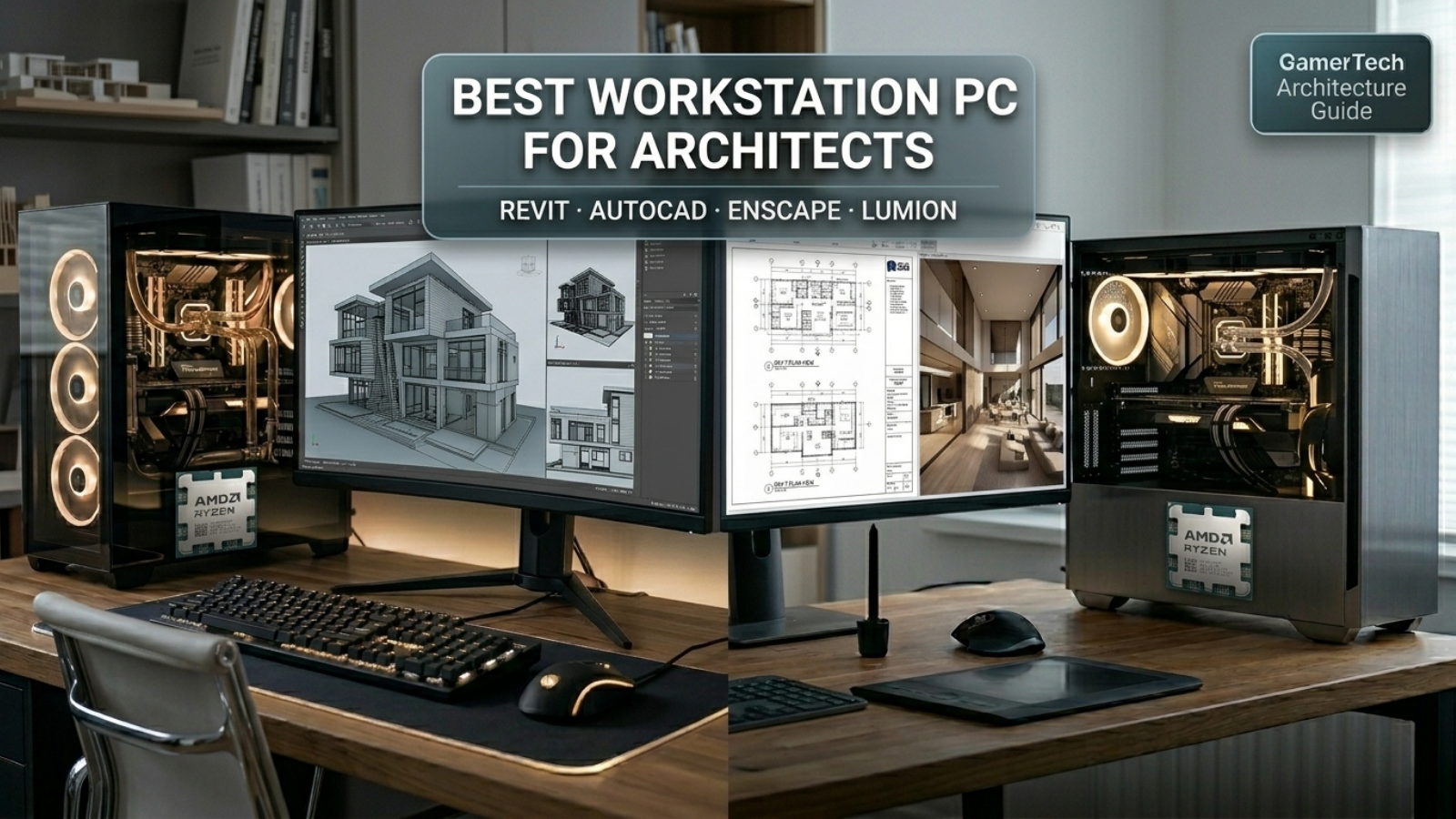
4. Architecture, CAD, Revit, SketchUp, AutoCAD
Usually choose Ryzen 9 unless the workflow is extremely heavy.
Many architecture and CAD applications are still sensitive to single-thread performance and GPU performance. That means Ryzen 9 can be a better value than Threadripper for many architects.
Choose Threadripper if the customer also does large Revit projects, heavy simulation, large point clouds, CPU rendering, multi-GPU rendering, huge file multitasking, 128GB+ RAM requirements, or multiple NVMe drives.
GamerTech recommendation: For most architects, choose Ryzen 9 9950X / 9950X3D / 9950X3D2. For heavy rendering or very large datasets, move to Threadripper 9970X.
5. Unreal Engine and Game Development
Choose Ryzen 9 for smaller projects. Choose Threadripper for serious compiling and shader work.
Game development can benefit heavily from cores when compiling code, building lighting, processing shaders, and handling large projects. For smaller Unreal Engine projects, Ryzen 9 is excellent. For professional Unreal teams or large projects, Threadripper becomes much more attractive.
GamerTech recommendation: For indie game dev, Ryzen 9 9950X3D / 9950X3D2. For professional Unreal Engine work, Threadripper 9970X or 9980X.
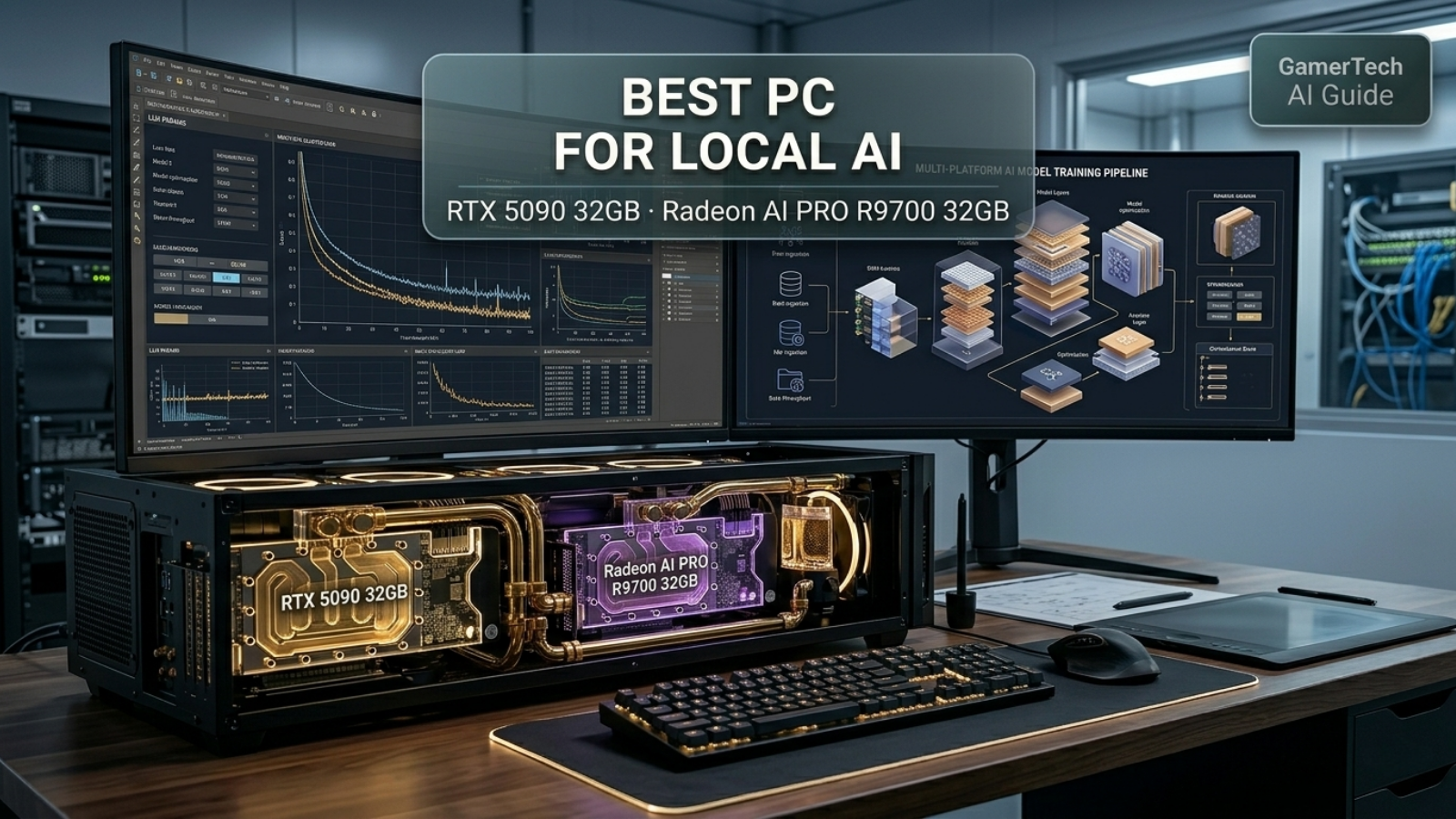
6. AI and Machine Learning
Usually prioritize the GPU first, then choose the CPU based on expansion needs.
For most AI work, the GPU matters more than the CPU. A Ryzen 9 with an RTX 5090 can be a better AI system than a Threadripper build with a weaker GPU.
Choose Threadripper if you need multiple GPUs, multiple NVMe drives, more PCIe lanes, more RAM, long-running workstation stability, large local datasets, or heavy CPU preprocessing.
AMD specifically positions Threadripper 9000 for AI developers and workstation-class desktop performance, with up to 64 Zen 5 cores and 128 threads.
GamerTech recommendation: For one GPU, choose Ryzen 9 + RTX 5090. For multi-GPU AI, choose Threadripper or Threadripper PRO. See our Best PC for Local AI guide.
7. Software Development and Code Compiling
Choose Threadripper if compile time costs money.
Ryzen 9 is strong for coding and general development. Threadripper is better when the customer regularly compiles large codebases, runs virtual machines, containers, test suites, and background services.
GamerTech recommendation: For normal coding, choose Ryzen 9. For large-scale compiling, choose Threadripper 9970X.
Ryzen 9 Advantages
Ryzen 9 is the better choice when the customer wants strong performance without overspending.
Why Ryzen 9 makes sense
- Lower total system cost
- AM5 motherboards are much cheaper than TRX50/WRX90 boards
- Lower power draw
- Easier cooling
- Better for gaming
- Great single-threaded performance
- Enough for most creators
- More practical for small businesses
- Can still support high-end GPUs like RTX 5080 / RTX 5090
For many customers, Ryzen 9 is the perfect balance.
Threadripper 9000 Advantages
Threadripper makes sense when the customer's workload can actually use the platform.
Why Threadripper makes sense
- Up to 64 cores / 128 threads
- 350W workstation-class performance
- Quad-channel DDR5 RDIMM
- ECC memory support
- Far more PCIe lanes
- Better for multiple GPUs
- Better for multiple NVMe drives
- Better for CPU rendering
- Better for heavy compiling
- Better for simulation
- Better for advanced workstation builds
Threadripper is not just "a faster Ryzen." It is a different class of computer.
The Biggest Mistake: Buying Threadripper Just Because It Sounds Better
Threadripper is not automatically the right choice.
If the workload does not use the extra cores, memory bandwidth, or PCIe lanes, the customer may spend a lot more money and see little benefit.
Puget Systems noted that Threadripper 9000 is not always the best choice for lightly threaded creative workloads. In its motion graphics guidance, Puget said it does not recommend Threadripper 9000 or Threadripper PRO 9000 WX for a Photoshop-specific system because the performance difference does not justify the cost. It also noted that Ryzen 9 9950X3D can outperform Threadripper 9960X in PugetBench overall score while costing much less.
That is exactly why this decision needs to be based on workflow, not marketing.
Recommended GamerTech Configurations
| Component | Recommendation |
|---|---|
| CPU | Ryzen 9 9950X / 9950X3D / 9950X3D2 |
| GPU | RTX 5070 Ti / RTX 5080 / RTX 5090 depending on workload |
| RAM | 64GB–128GB DDR5 |
| Storage | 2TB NVMe + optional 4TB project drive |
| PSU | 850W–1200W depending on GPU |
| Cooling | 360mm AIO recommended |
| Best For | Gaming, editing, architecture, coding, design, creator work |
| Component | Recommendation |
|---|---|
| CPU | Threadripper 9970X |
| GPU | RTX 5080 / RTX 5090 / RTX PRO depending on workload |
| RAM | 128GB–256GB DDR5 RDIMM |
| Storage | 2TB OS NVMe + 4TB–8TB project/storage NVMe |
| PSU | 1200W+ depending on GPU |
| Cooling | Threadripper-class liquid cooling / workstation airflow |
| Best For | Rendering, editing, compiling, simulation, engineering |
| Component | Recommendation |
|---|---|
| CPU | Threadripper 9980X |
| GPU | RTX 5090 / RTX PRO Blackwell |
| RAM | 256GB+ DDR5 RDIMM |
| Storage | Multiple NVMe drives |
| PSU | 1200W–1600W depending on full build |
| Cooling | Premium workstation cooling |
| Best For | CPU rendering, simulation, large production workloads |
| Component | Recommendation |
|---|---|
| CPU | Threadripper PRO 9975WX / 9985WX / 9995WX |
| GPU | RTX PRO Blackwell / multi-GPU |
| RAM | 256GB–2TB DDR5 RDIMM |
| Storage | Multiple Gen 5 NVMe drives |
| Platform | WRX90 |
| Best For | Enterprise, AI, VFX, engineering, simulation, large datasets |
Final Verdict
For most GamerTech customers, Ryzen 9 is the best workstation choice. It is fast, practical, powerful, easier to cool, better for gaming, and much more affordable. A Ryzen 9 9950X, 9950X3D, or 9950X3D2 system with the right GPU, RAM, and storage will be more than enough for most creators, architects, streamers, editors, developers, and business users.
Choose Threadripper 9000 when the workload truly needs more cores, more memory bandwidth, ECC RDIMM, more PCIe lanes, multiple GPUs, multiple NVMe drives, or heavy CPU rendering.
At GamerTech, our recommendation would be:
- Best all-around workstation: Ryzen 9 9950X
- Best gaming + workstation CPU: Ryzen 9 9950X3D
- Best premium AM5 creator CPU: Ryzen 9 9950X3D2
- Best serious workstation CPU: Threadripper 9970X
- Best heavy rendering CPU: Threadripper 9980X
- Best enterprise workstation platform: Threadripper PRO 9000 WX
The best workstation is not the one with the most cores. The best workstation is the one built around the customer's actual workload.
If you are building a custom workstation in Canada, GamerTech can help you choose the right CPU, GPU, RAM, storage, cooling, power supply, and airflow setup so your system performs properly from day one.
FAQ
Is Threadripper better than Ryzen 9?
Threadripper is better for heavy workstation tasks that use many cores, more memory bandwidth, ECC RDIMM, and lots of PCIe lanes. Ryzen 9 is better value for most creators, gamers, designers, editors, and general workstation users.
Is Ryzen 9 enough for a workstation?
Yes. A Ryzen 9 workstation is enough for most users, including video editors, streamers, architects, developers, designers, and creators. Threadripper only makes sense when the workload needs more cores, RAM, PCIe lanes, or expansion.
Is Threadripper good for gaming?
Threadripper can game, but it is not the best gaming CPU. Ryzen 9 X3D CPUs are usually better for gaming because they are faster in gaming-focused workloads and cost far less.
Which is better for video editing: Ryzen 9 or Threadripper?
For normal video editing, Ryzen 9 is usually enough. For heavy RAW workflows and professional post-production, Threadripper can be faster. Puget Systems found the Threadripper 9970X had a 23% advantage over Ryzen 9 9950X3D in heavy RAW media testing.
Which is better for 3D rendering?
Threadripper is better for CPU rendering. The Threadripper 9980X is especially strong in heavily multi-threaded rendering workloads like Blender and V-Ray.
Should architects buy Ryzen 9 or Threadripper?
Most architects should start with Ryzen 9 and a strong GPU. Threadripper makes sense for very large projects, CPU rendering, simulation, point clouds, or high-memory workflows.
Is Threadripper PRO worth it?
Threadripper PRO is worth it for enterprise workstations, multi-GPU AI systems, large memory builds, and professional workflows that need WRX90, 8-channel memory, AMD PRO features, and more PCIe lanes.
How much RAM should a Ryzen 9 workstation have?
Most Ryzen 9 workstations should have 64GB to 128GB DDR5. Ryzen 9 9950X officially supports up to 256GB of memory depending on motherboard support.
How much RAM should a Threadripper workstation have?
Most Threadripper workstations should start at 128GB. TRX50 supports up to 1TB, while WRX90 supports up to 2TB according to AMD's platform comparison.
What does GamerTech recommend?
For most workstation customers, GamerTech would recommend Ryzen 9. For serious rendering, simulation, compiling, AI, or multi-GPU workloads, GamerTech would recommend Threadripper 9000 or Threadripper PRO 9000 WX.
Build Your Custom Workstation With GamerTech
Every GamerTech build comes with a 1-year warranty, lifetime technical support, and free shipping to all Canadian provinces.
Workstations Build Your Own PC All Desktops
Call (905) 247-7085 · 10-470 North Rivermede Road, Vaughan, Ontario