RAM is one of those components that is easy to get wrong — too little and you hit performance bottlenecks, too much and you have wasted money. In 2026, the answer to "how much RAM do I need for gaming?" is more nuanced than ever, especially with DDR5 now being the standard. GamerTech in Vaughan, Ontario breaks it all down.
Is 16GB Still Enough in 2026?
Technically, 16GB of DDR5 RAM will run most modern games without crashing. However, in 2026, 16GB is increasingly showing its limitations. Memory-hungry titles like Microsoft Flight Simulator, Hogwarts Legacy, and large open-world games can consume 12–14GB of RAM on their own — leaving almost nothing for Windows, Discord, a browser with a few tabs, or streaming software. GamerTech no longer recommends 16GB as the primary configuration for new builds in 2026.
32GB: The New Standard for Gaming
32GB of DDR5 RAM is the sweet spot for gaming in 2026. It comfortably handles gaming plus your operating system, peripherals, and background apps simultaneously. For gamers who also stream, 32GB ensures OBS or Streamlabs never competes with your game for memory resources. GamerTech configures the vast majority of mid-range and high-end builds with 32GB DDR5 as the baseline.
64GB: For Creators and Power Users
If you do video editing in Premiere Pro or DaVinci Resolve, 3D rendering in Blender, or work with large RAW photo libraries alongside gaming, 64GB removes all memory bottlenecks. Many of GamerTech's creator-focused and workstation builds include 64GB DDR5 for professional workflows. Visit our workstations page to see creator-optimized configurations.
DDR5 Speed — Does It Matter?
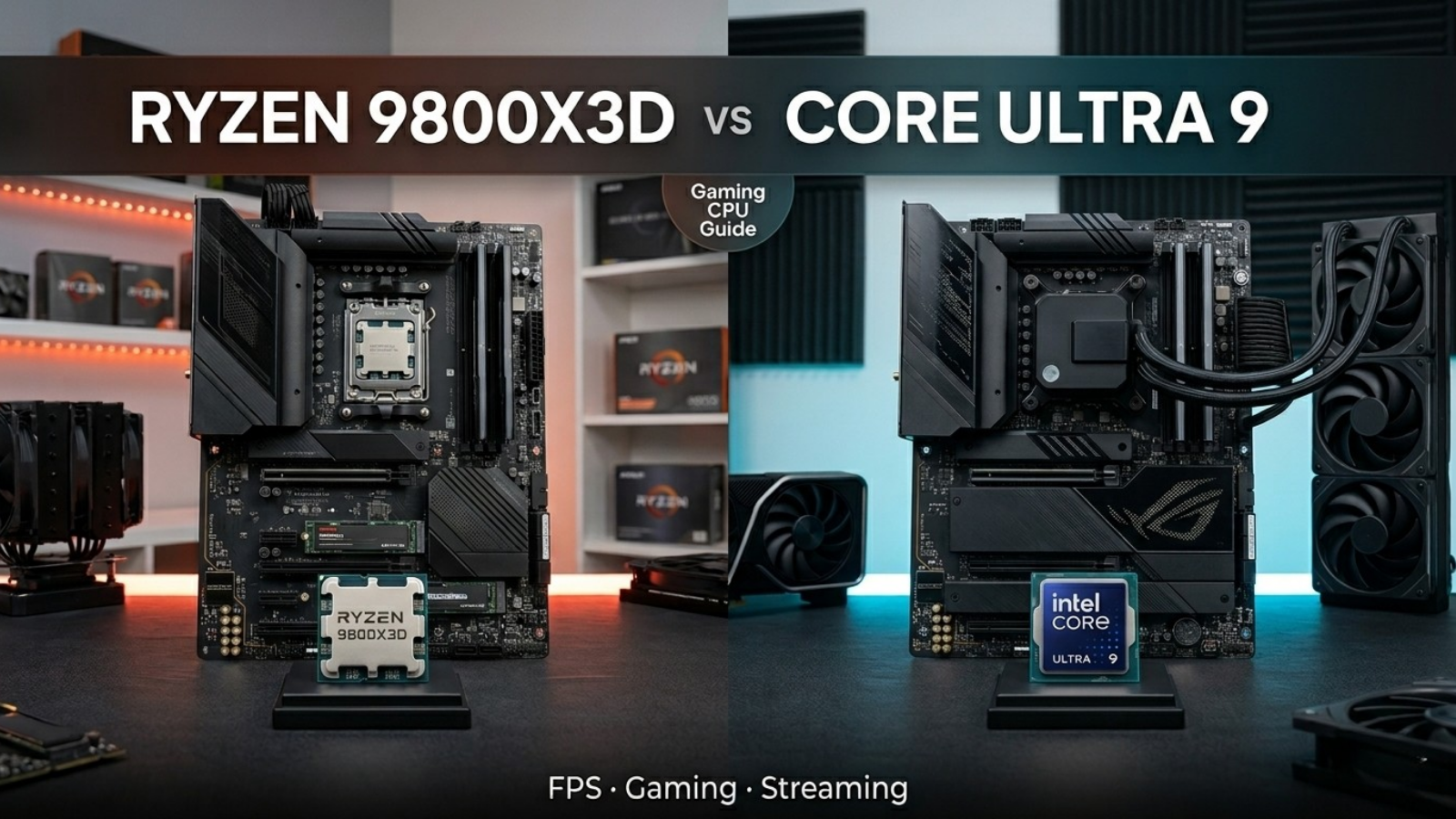
DDR5 speed (measured in MHz) does affect gaming performance, particularly on AMD Ryzen platforms with their Infinity Fabric link. For the Ryzen 9800X3D, DDR5-6000 is the sweet spot that maximizes the Infinity Fabric speed. Going much higher provides diminishing returns. For Intel Core Ultra 9 builds, higher-speed DDR5 shows modest but measurable improvements in some titles.
GamerTech RAM Configuration — Done Right
GamerTech selects and configures RAM specifically for each CPU and motherboard combination, enabling XMP/EXPO profiles correctly and testing stability before shipping. This is something many DIY builders get wrong, resulting in RAM running at base speeds. Every GamerTech build ships with RAM running at its optimal rated speed.
Configure Your Build with the Right RAM
Browse our builds at gamertech.ca/collections/desktop-computers or customize your RAM configuration at Build Your Own. Call (905) 247-7085 for advice — we are in Vaughan, Ontario and ship free across Canada.