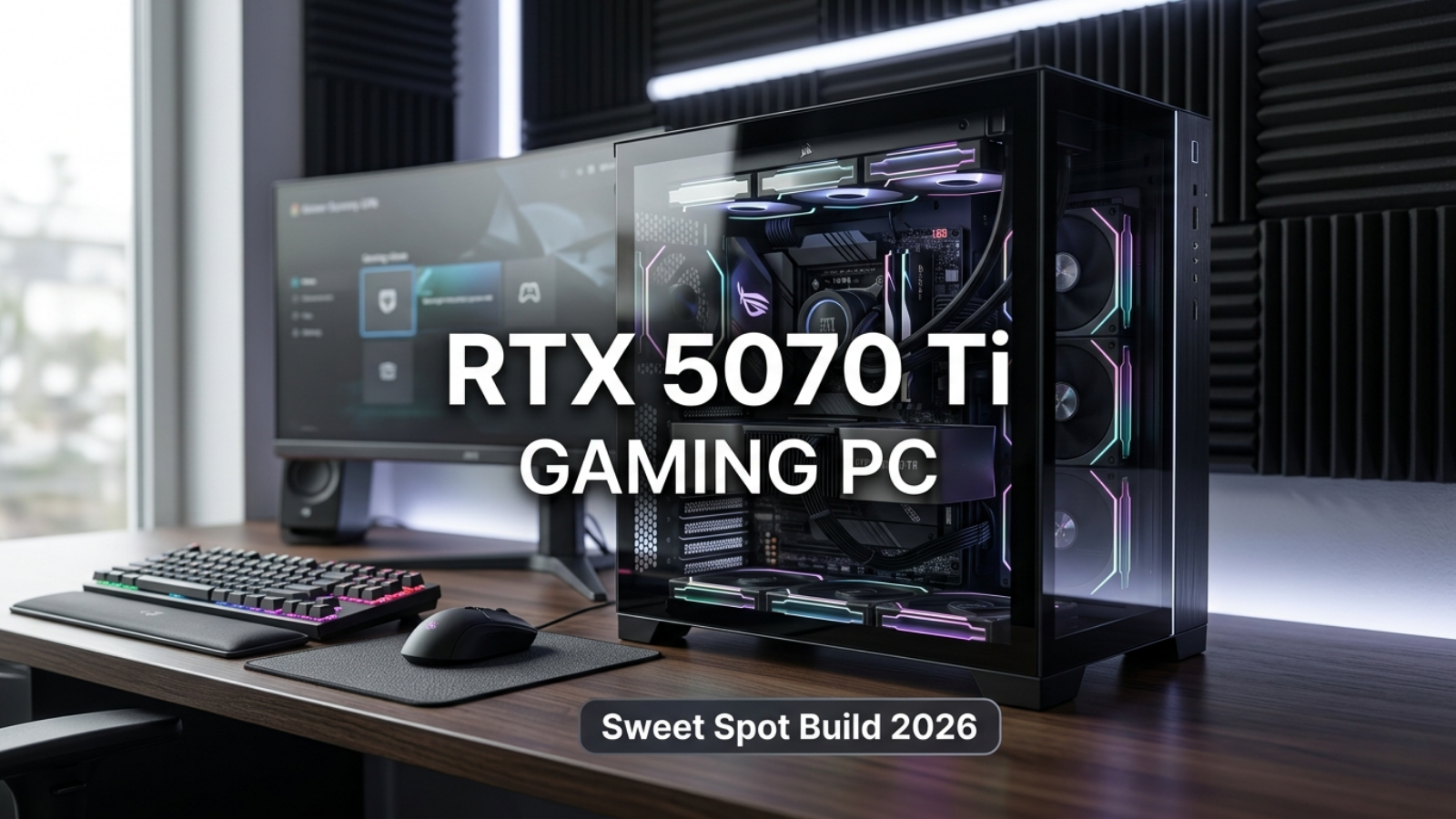
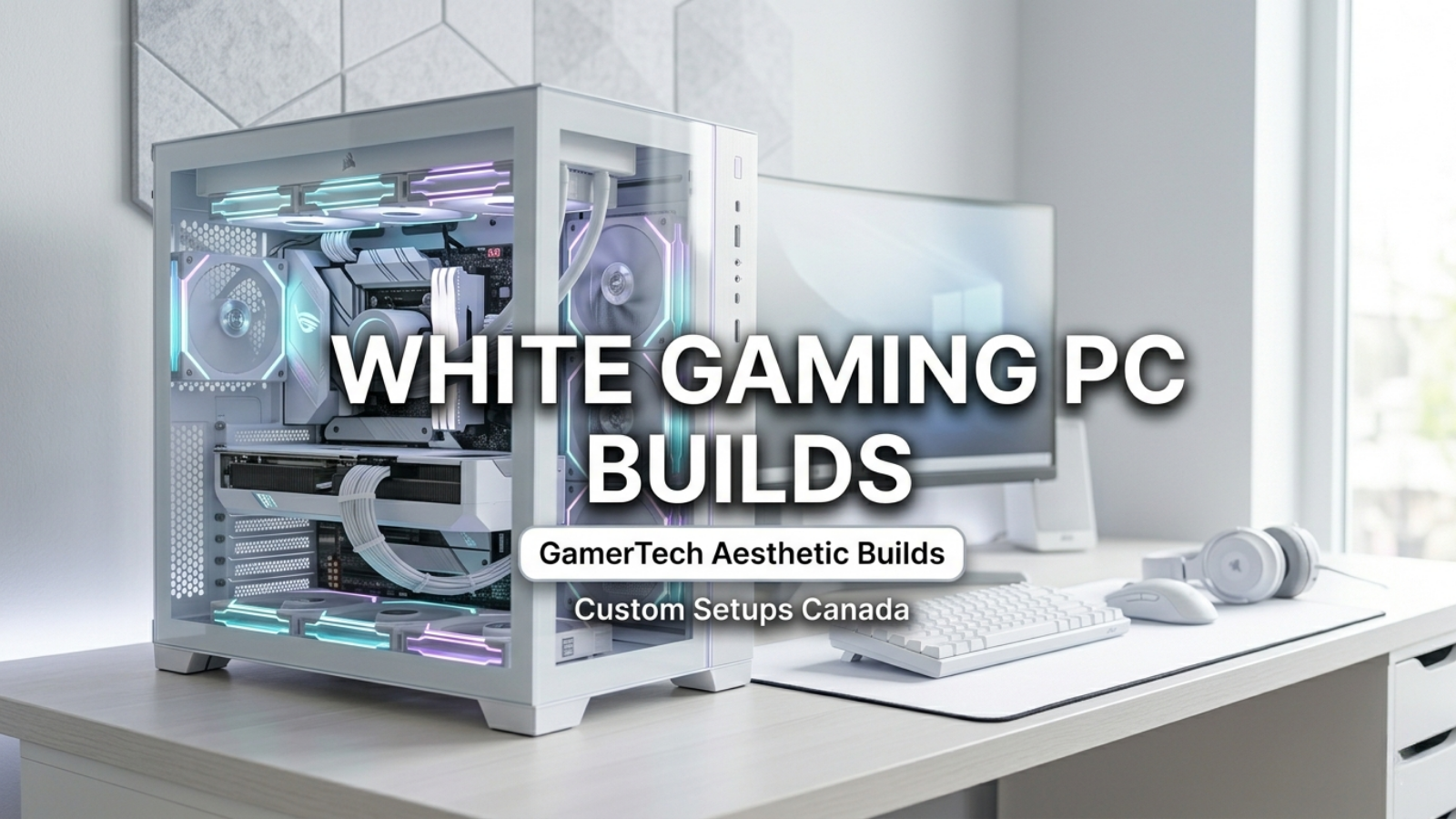
A GamerTech gaming PC is the heart of your setup — but the experience is only complete with the right monitor, keyboard, mouse, headset, and desk configuration around it. Here is GamerTech's complete guide to building a gaming setup that looks and performs great, for Canadian gamers in 2026.
Choosing the Right Monitor
Your monitor must match your PC's capabilities. If you have a 1440p build targeting 165–240Hz, pair it with a 1440p 165Hz or 240Hz IPS or OLED panel. For 4K builds, a 4K 144Hz OLED or Mini LED monitor showcases what your RTX 5080 or 5090 is capable of. Key things to look for: response time (1ms GTG), adaptive sync (G-Sync or FreeSync compatible), panel type (IPS for color, OLED for contrast and black levels), and panel size (27–32 inches is ideal for 1440p and 4K desktop gaming).
Keyboard: Mechanical Is the Standard
For gaming, mechanical keyboards are the standard. They offer tactile feedback, faster actuation, and greater durability than membrane keyboards. Switch type is personal preference: linear switches (red/speed) for fast actuation in gaming, tactile switches (brown) for a balanced gaming and typing feel, clicky switches (blue) for maximum feedback if noise is not a concern. Wireless mechanical keyboards from reputable brands now match wired performance, giving you a cleaner desk.
Mouse: Match Your Grip Style
Gaming mice come in three grip styles: palm, claw, and fingertip. A mouse that fits your grip style reduces fatigue during long sessions and improves accuracy. Look for a sensor with high accuracy and minimal acceleration, a polling rate of 1000Hz minimum (8000Hz for competitive play), and a weight that suits your preference. Wireless gaming mice from premium brands have eliminated the latency disadvantage of wireless years ago.
Headset or Speakers
For gaming with others or competitive play, a quality gaming headset with a clear microphone is essential. For immersive single-player gaming, a 2.1 speaker system or audiophile headphones with a DAC/amp provide superior audio quality. Spatial audio software like DTS:X or Dolby Atmos enhances directional sound in games when used with compatible headphones.
Desk, Chair, and Lighting
An ergonomic chair and a desk deep enough to position your monitor at arms length are essential for comfortable long sessions. Bias lighting behind your monitor (LED strips matching your screen's colour temperature) reduces eye strain during night gaming. Cable management under the desk completes the clean aesthetic that your GamerTech build deserves.
Start With the Right PC
Everything starts with your gaming PC. GamerTech in Vaughan, Ontario builds custom gaming PCs from $799 to $8,000+ with a 1-year warranty and lifetime technical support. Browse at gamertech.ca/collections/desktop-computers, configure your own at Build Your Own, or call (905) 247-7085. Free shipping to all Canadian provinces.